
Cloud & AI
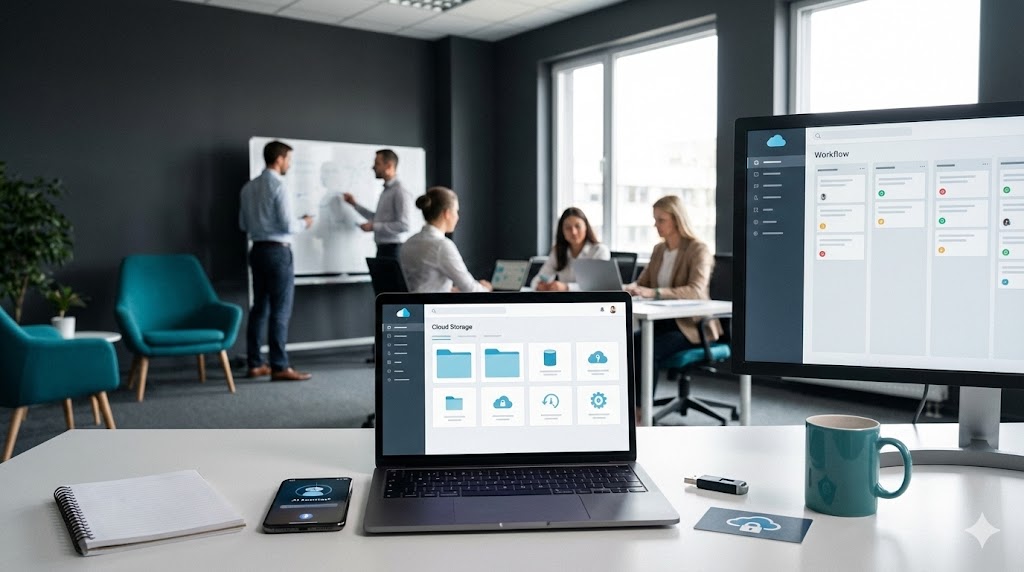
Cloud is not just “storage” it’s the foundation for modern work. We design and set up a secure cloud environment where your business can store files safely, collaborate in real time, back up important data, and access everything from anywhere. On top of that, we add practical AI and automation to help your team save time: smart document templates, content creation workflows, customer response drafts, and simple automations that remove repetitive admin work. Everything is set up with security in mind (permissions, MFA, recovery options), so you get speed and convenience without risking your data.
- Cloud Setup & Workspace Foundation
- Secure File Sharing & Permissions
- Collaboration Tools (Teams / Shared Spaces)
- Cloud Backup & Business Continuity
- AI Tools for Productivity
- Automation & Smart Workflows

Cloud Setup & Workspace Foundation
Cloud account setup and structure (users, access, folders, permissions)
Device sign-in and sync setup for staff (PC, laptop, mobile)
Best-practice folder structure for business documents and shared work
Secure File Sharing & Permissions
Internal sharing rules (who can access what, least-privilege approach)
External sharing setup for clients/partners (secure links, expiry, controls)
Permission clean-up and documentation so it stays organised long-term
Collaboration Tools (Teams / Shared Spaces)
Teams/channel structure designed around your business workflow
Shared files linked properly (channels → folders, consistent naming)
Basic training: how to share, store, and keep work organised
04.
Cloud Backup & Business Continuity
Backup options selection (what to protect and what matters most)
Retention and recovery planning (restore approach + responsibilities)
Simple continuity checklist for “what happens if” scenarios
05.
AI Tools for Productivity
AI templates for emails, quotes, proposals, and customer replies
Content support for websites and social posts (drafts + refinements)
Internal knowledge helper: FAQs, checklists, and standard responses
06.
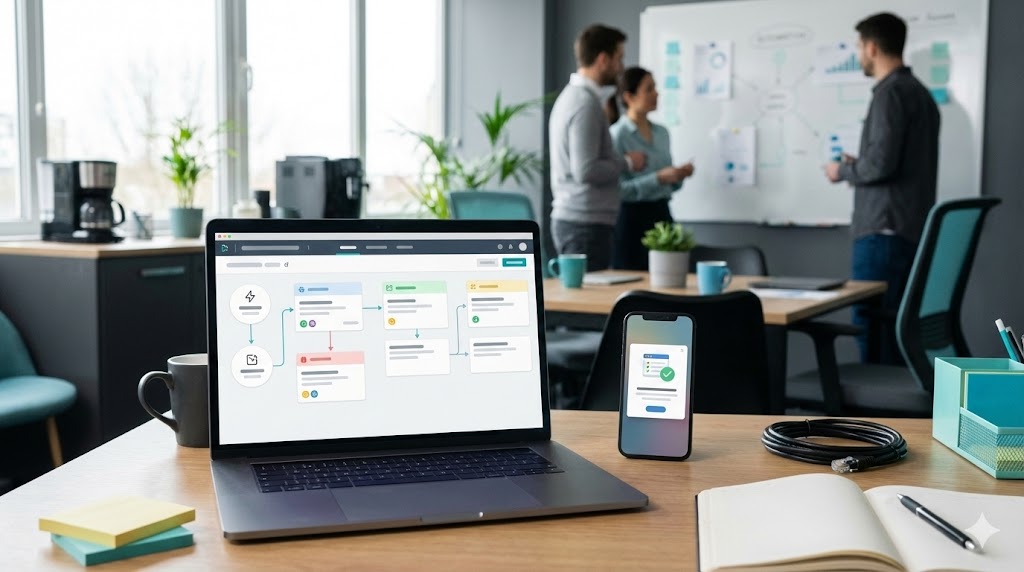
Automation & Smart Workflows
Lead/enquiry automation (form → email notifications → organised tracking)
Booking + follow-up workflows (reminders, confirmations, simple sequences)
Task automation for small teams (handover notes, to-dos, approvals basics)